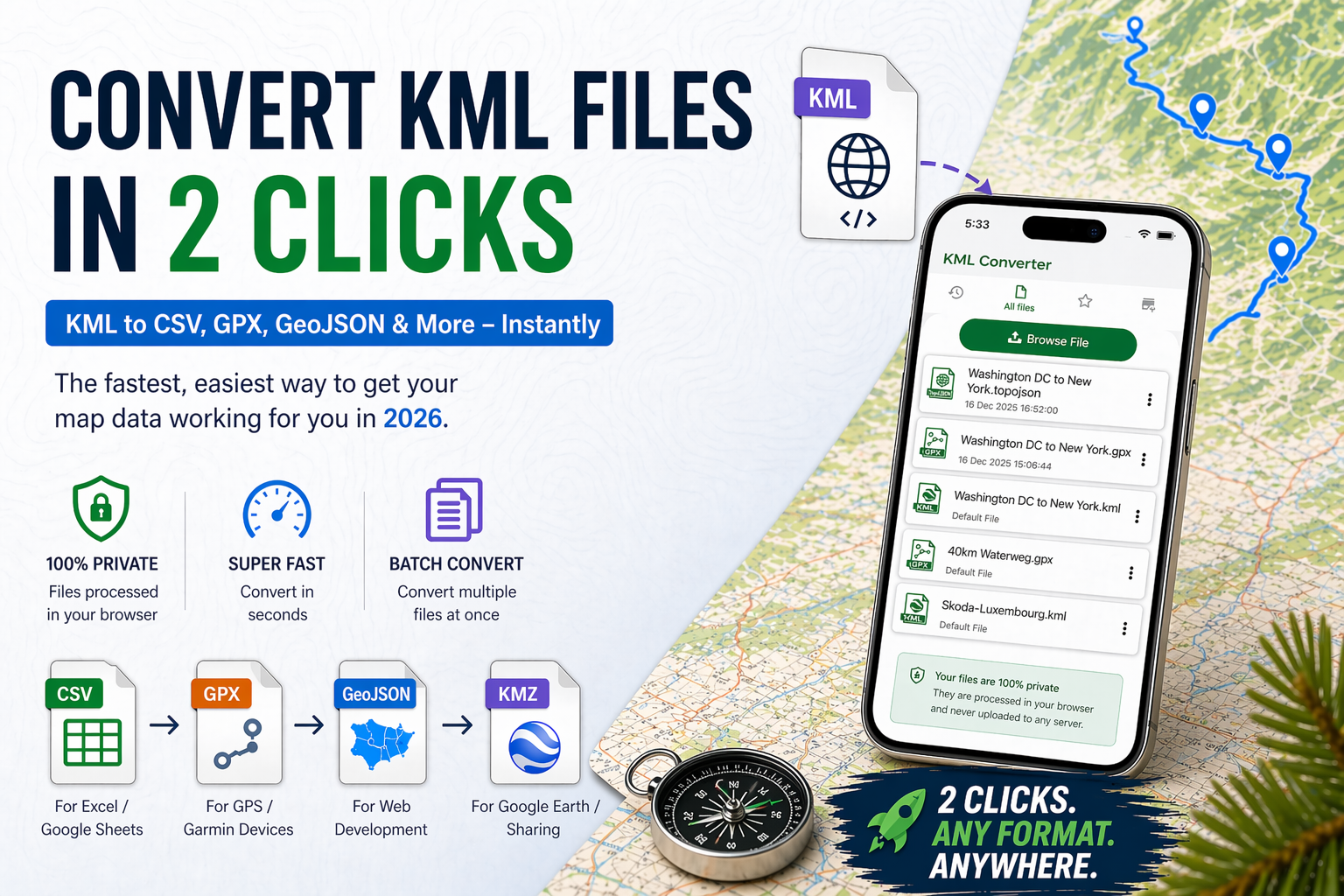
Stop wrestling with complex map data! In 2026, managing geographic files is faster than ever. Whether you need to view a KML file on your phone or convert it to CSV, GPX, or GeoJSON for your next project, discover the ultimate 2-click solution. Learn how to transform your data instantly with a free online KML converter: no signup, no software, just pure efficiency.
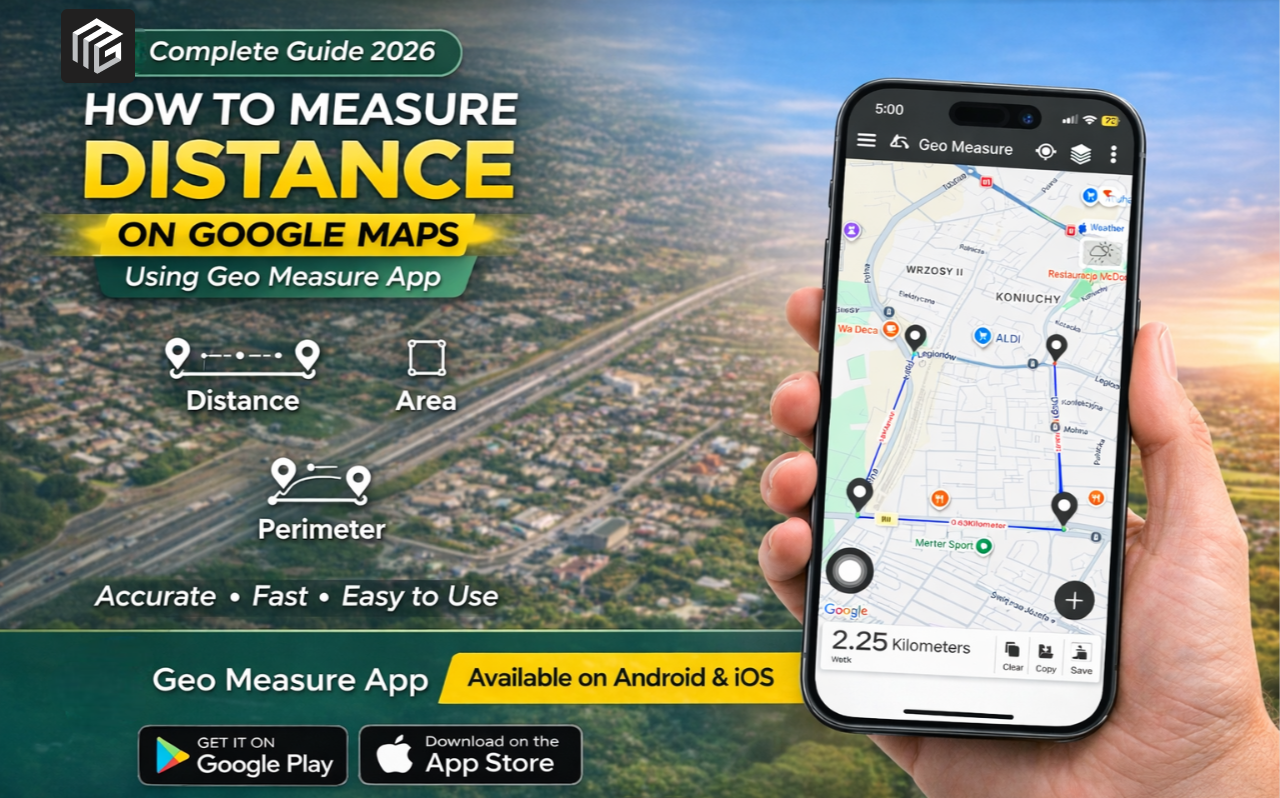
Learn how to measure land area, distance, and perimeter on Google Maps using the Geo Measure app. A quick and accurate guide for Android & iPhone users.
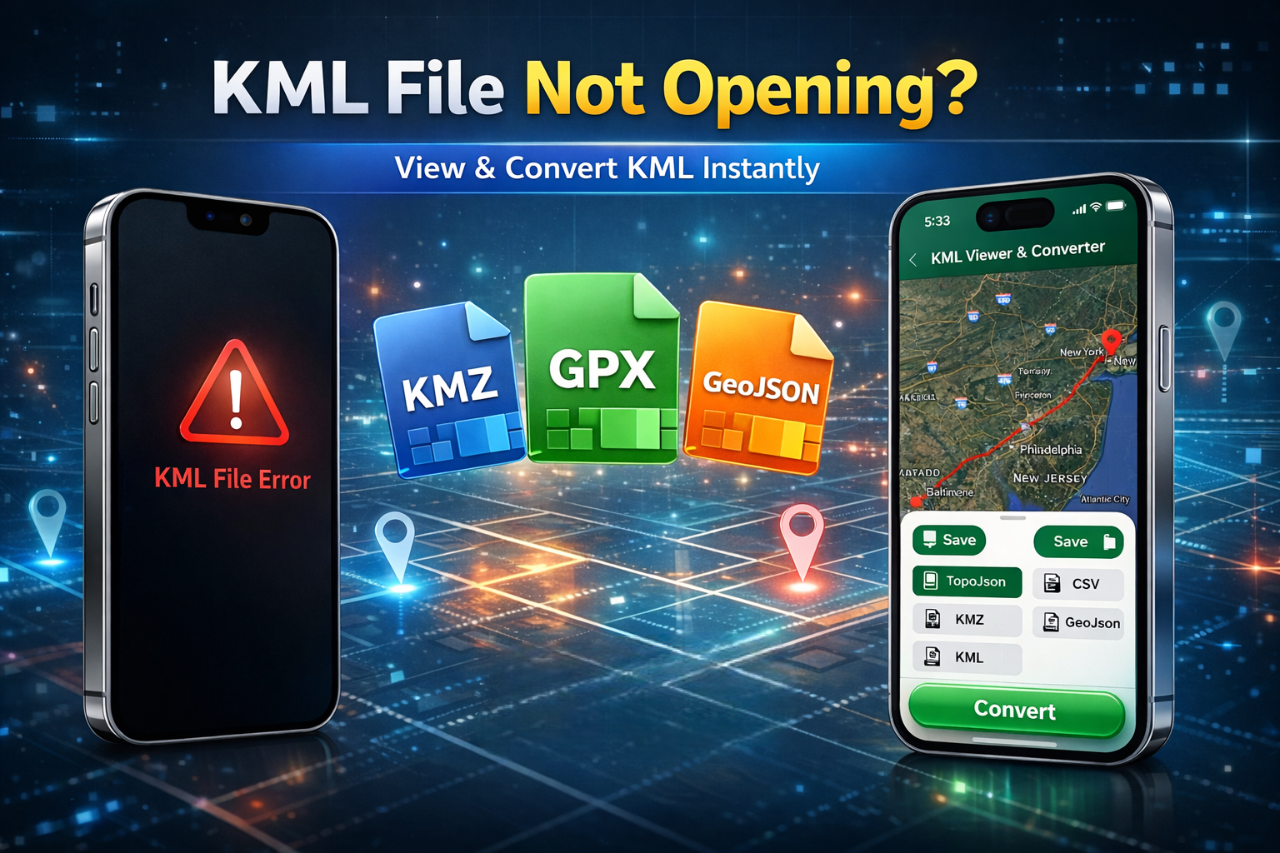
KML file not opening? Learn how to fix it quickly and discover the best app to view and convert KML files to KMZ, GPX, and GeoJSON on Android & iOS.

Engineers shouldn’t struggle with KML files. Open, view, and convert KML directly on mobile — no desktop required.
KML Viewer are a valuable tool for anyone who wants to create better map visualizations. By using KML files and KML viewers and converters, you can easily share, manage, and visualize your geographic data in new and exciting ways.
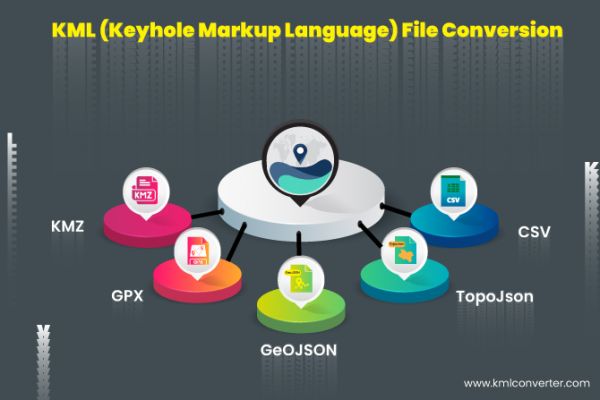
Your file will be converted rapidly by the KML viewer and converter tool, which is easily accessible. he KML reader and converter are easy to use; just follow the short instructions below.

The KML viewer and converter tool is readily available and converts your file quickly. The simple steps listed below explain how to use the KML viewer and converter.

KML files are now widely used by Google services that use and provide mapping services like Google Maps and Google Earth because Google acquired Keyhole Inc.
KML viewer and converter are used on the map to convert your file into KMZ, GPX, GeoJSON, TopoJSON, and CSV with ease. When KML files are displayed in maps,