How to Measure Land Area on Google Maps Using Geo Measure App
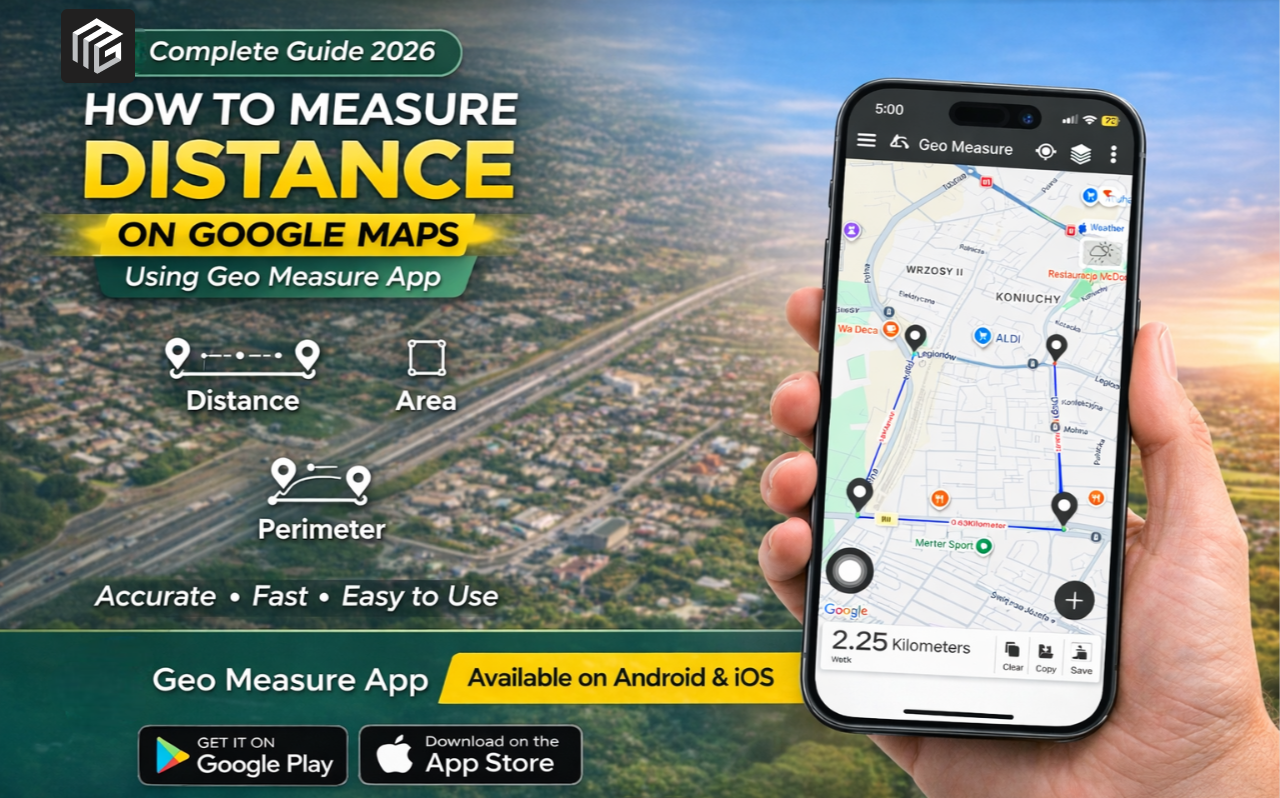
Measuring land area used to be a complex task that required professional tools, field visits, and manual calculations. Today, with advancements in mobile technology, you can measure land area, distance, and perimeter directly from your smartphone.
If you're looking for a simple, accurate, and fast solution, the Geo Measure app is one of the best tools available. In this guide, you’ll learn how to measure land areas on Google Maps using GeoMeasure, along with its features, benefits, and step-by-step instructions.
What is the Geo Measure app?
Geo Measure is a smart land measurement application designed for both beginners and professionals. It allows users to calculate land area, distance, and perimeter using GPS and map-based tools.
Whether you're a farmer, real estate agent, engineer, or property buyer, this app simplifies the entire measurement process.
The app is available on Android and iOS.
Why Use Geo Measure for Land Measurement?
There are many land measurement apps available, but GeoMeasure stands out due to its accuracy and ease of use.
Key Benefits:
- Works on both Android and iPhone
- Accurate GPS-based measurements
- Easy integration with Google Maps
- Fast and real-time calculations
- Useful for farmers, surveyors, and engineers
Features of the GeoMeasure App
| Feature | Description |
|---|---|
| Area Measurement | Calculate land area in multiple units like sq ft, acres, hectares |
| Distance Measurement | Measure distance between multiple points accurately |
| Perimeter Calculation | Automatically calculates boundary length |
| GPS Tracking | Real-time tracking for field measurement |
| Map Integration | Works seamlessly with Google Maps |
| User-Friendly Interface | Simple design for easy navigation |
| Multi-Unit Conversion | Supports various measurement units |
How to Measure Land Area on Google Maps Using GeoMeasure
Follow these simple steps to measure land accurately:
1. Install the app.
Download the GeoMeasure app from:
- Google Play Store (Android)
- Apple App Store (iOS)
2. Open the app.
Launch the app and allow location permissions for accurate GPS tracking.
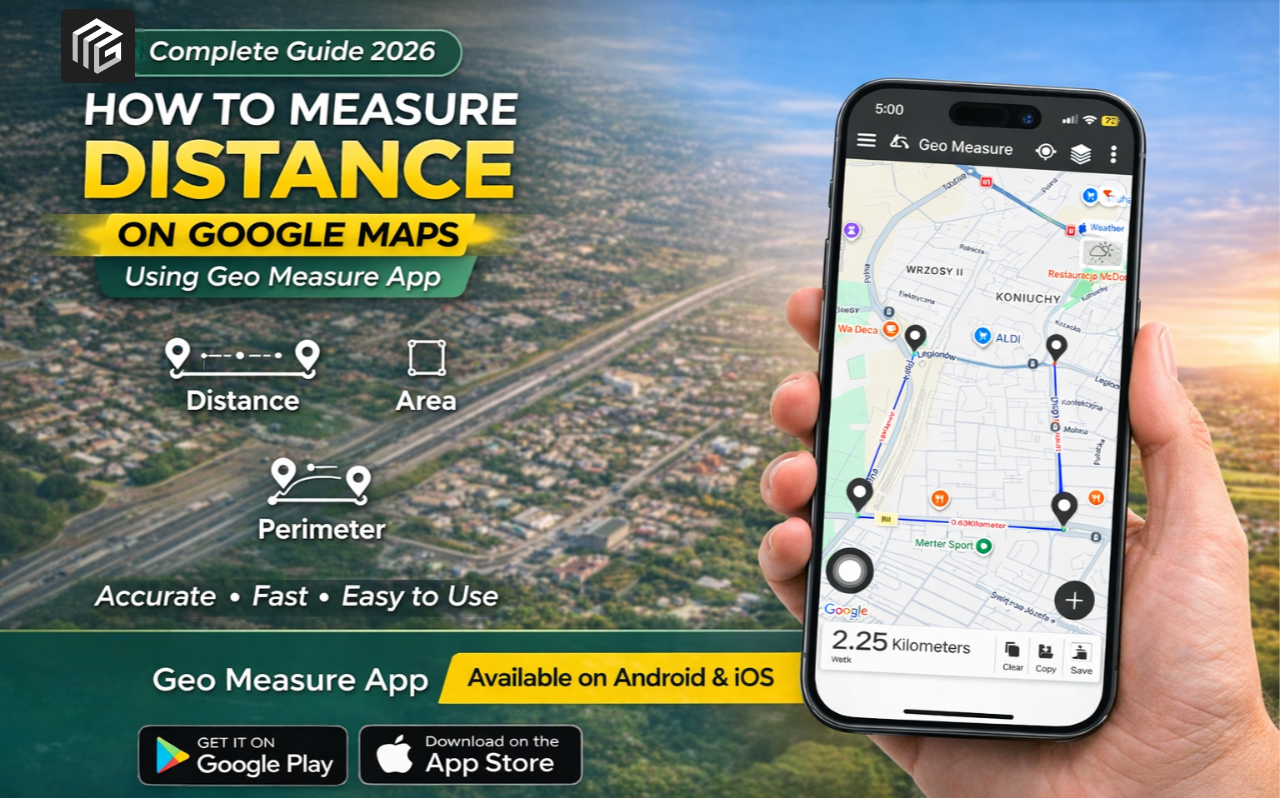
3. Select Map Mode
Choose the Google Maps view within the app to start measuring your land.
4. Mark Your Land Points
Tap on the map to mark boundary points for your land. Each tap creates a point that defines the area.
5. View Measurements
Once all points are added:
- The app will automatically calculate the area
- It will also show distance and perimeter
6. Save or Share Results
You can save the measurement or share it with others easily.
Who Should Use GeoMeasure?
GeoMeasure is useful for a wide range of users:
- Farmers measuring agricultural land
- Engineers and surveyors
- Real estate professionals
- Architects and planners
- General users needing quick measurements
Advantages Over Traditional Methods
Traditional land measurement methods are time-consuming and often inaccurate. Here’s how GeoMeasure improves the process:
| Traditional Method | Geo Measure App |
|---|---|
| Manual calculations | Automatic calculations |
| Requires physical tools | Works on smartphone |
| Time-consuming | Instant results |
| Higher chance of error | High accuracy with GPS |
| Limited accessibility | Available anytime, anywhere |
Tips for Accurate Measurement
To get the best results, follow these tips:
- Use a stable internet connection
- Zoom in for precise point marking
- Mark all boundary points carefully
- Use GPS mode for real-world measurement
- Double-check your selected points
Final Thoughts
Measuring land no longer requires expensive tools or professional assistance. With the Geo Measure app, you can calculate land area, distance, and perimeter directly from your smartphone with ease.
GeoMeasure offers a dependable and effective solution whether you're managing farmland, purchasing real estate, or working on a construction project.
Start measuring smarter, faster, and more accurately today.


Posted 1 month ago by