Stop Wasting Time on KML Files – Convert Them in 2 Clicks
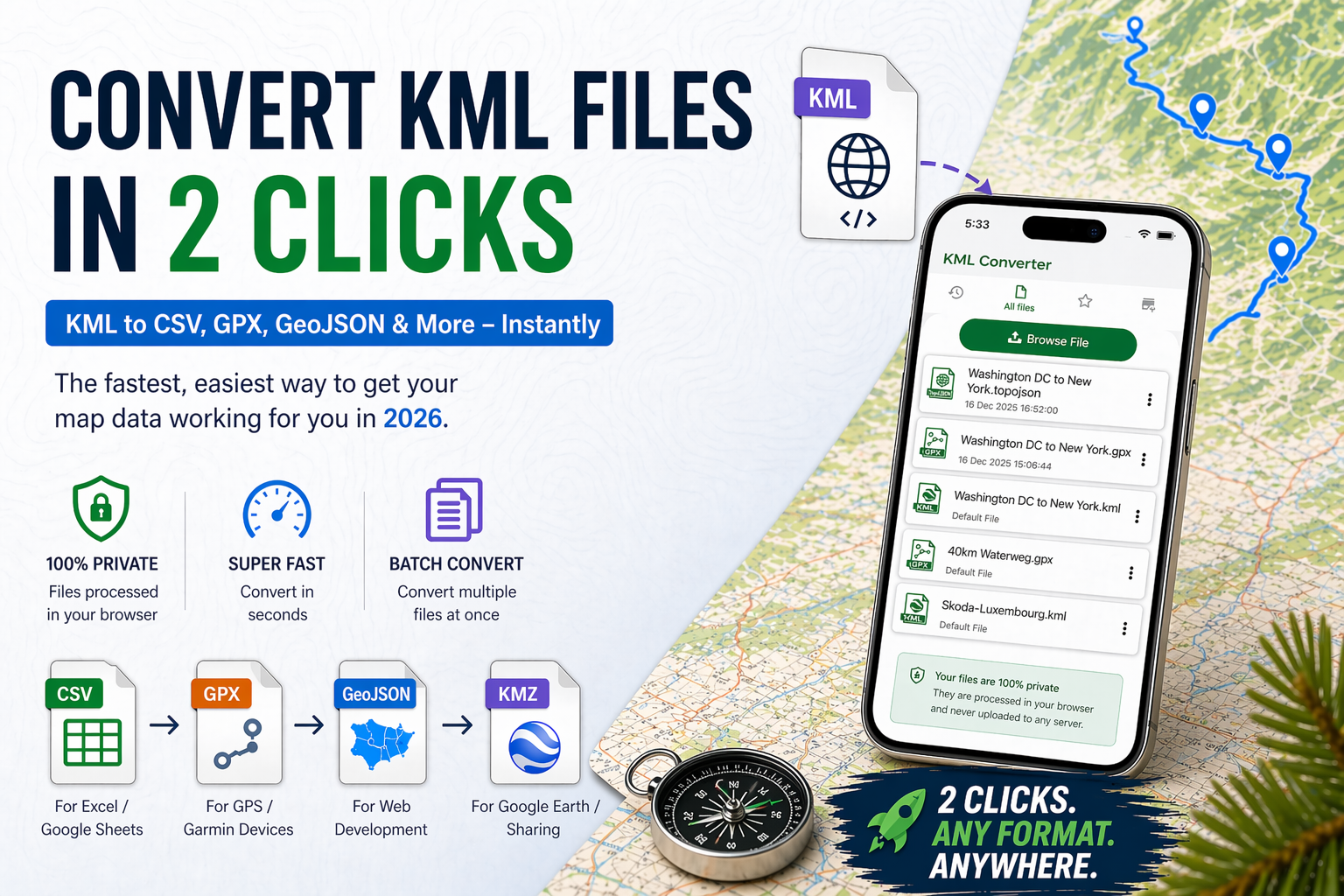
We’ve all been there: You download a map file for a hiking trip, a real estate project, or a delivery route, only to find it’s in a.kml format that your preferred app won't touch. KML (Keyhole Markup Language) is excellent for Google Earth, but it can be notoriously stubborn when you need to move that data into Excel, a GPS device, or a web application.
In 2026, manual data entry and complex GIS software are officially outdated. If you’re spending more than 30 seconds trying to view a KML file or change its format, you’re losing valuable time. Today, "2-click conversion" is the standard.
In this guide, we’ll show you exactly how to bypass the technical headaches and convert your KML data into usable formats like CSV, GPX, or GeoJSON instantly.
Why KML Files Feel Like a "Time Trap"
KML files are essentially XML codes. While KML files are powerful for storing 3D maps and placemarks, they are not easily compatible with most common software.
-
The Spreadsheet Struggle: You can’t just "Open with Excel" and expect neat columns of coordinates.
-
Device Incompatibility: Most Garmin or Wahoo bike computers require GPX, not KML.
-
Developer Friction: Web developers usually need GeoJSON for modern map integrations, leaving them stuck with a conversion task.
The 2-Click Solution: How to Convert KML Instantly
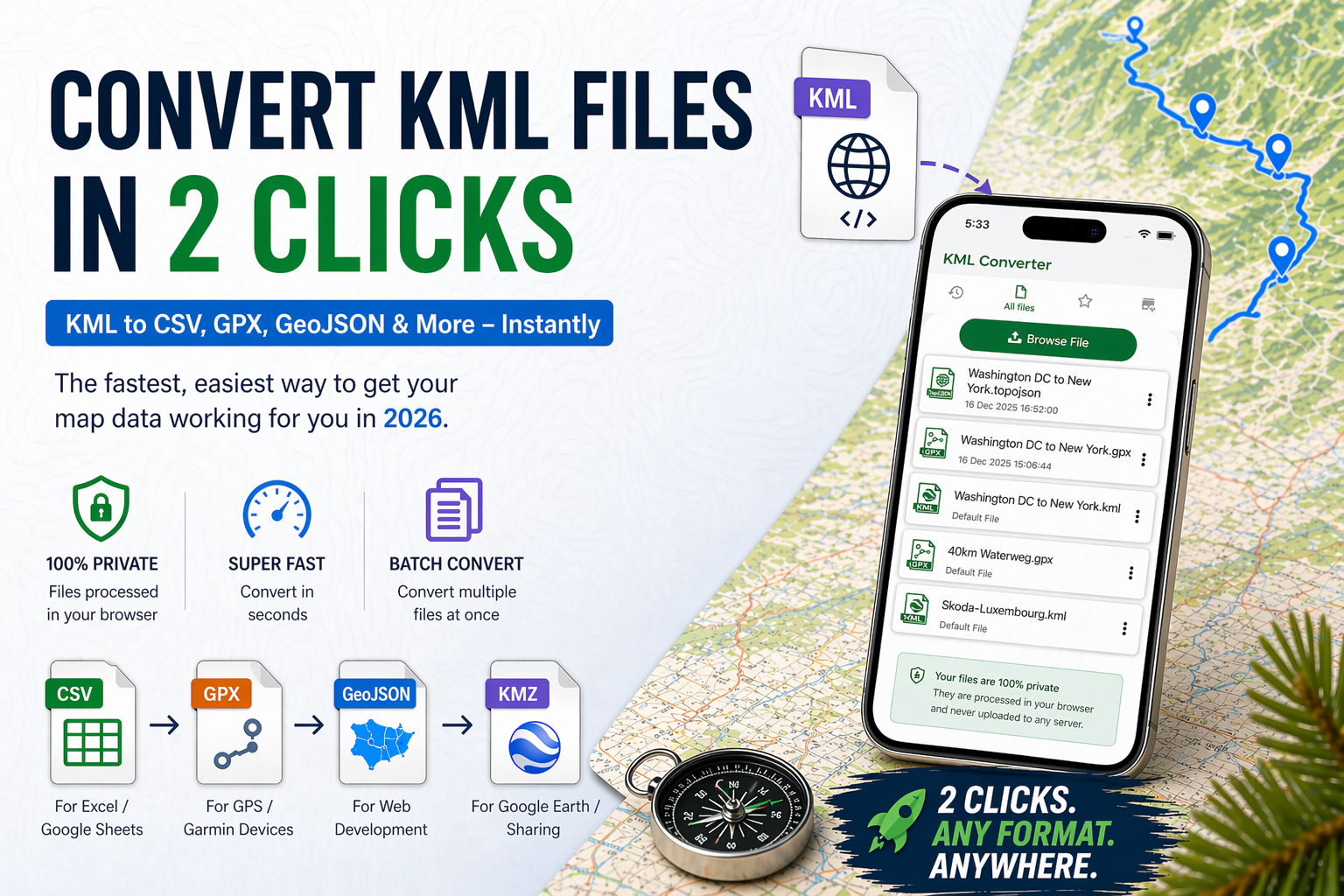
The secret to saving time in 2026 is using a browser-based online KML converter. These tools have evolved to handle heavy data processing locally in your browser, meaning your files are never even uploaded to a server, making it both fast and secure.
The "2-Click" Workflow:
-
Click 1 (Upload): Drag your
.kmlfile into the converter box. -
Click 2 (Convert & Download): Select your target format (CSV, GPX, etc.) and hit the download button.
That’s it. No software installation, no account creation, and no "File Not Supported" errors.
Which Format Do You Actually Need?
Not all conversions are created equal. Depending on your goal, choosing the right output is key to ensuring your data works on the first try.
| If you'd like to... | Convert KML to... | Best Tool for the Job |
| Open in Excel / Google Sheets | CSV | Honeycomb Maps / ConvertCSV |
| Load into a GPS / Garmin | GPX | The Ride Atlas / KML2GPX |
| Use in Web Development | GeoJSON | Atlas / MyGeodata Cloud |
| Share a compressed map | KMZ | Google Earth (Save As) |
Deep Dive: KML to CSV for Data Analysis
If you are a marketing professional or an analyst, you likely need your map points in a spreadsheet. A KML to CSV conversion strips away the XML tags and gives you a clean table with:
-
Name/Label: The title of the point.
-
Latitude/Longitude: The exact coordinates.
-
Description: Any notes attached to the marker.
In 2026, tools like Atlas or MyGeodata even allow you to preview the map visually before you download the CSV, ensuring you aren't converting a blank file.
Solving the "KMZ" Mystery
Many users get frustrated when a converter says "File type not recognized" for a .kmz file.
Pro Tip: A KMZ is just a zipped KML. If your converter only accepts KML, you don't need a new tool. Just right-click your .kmz file, rename the extension to .zip, and "unzip" it. Inside, you’ll find the doc.kml file ready for your 2-click conversion.
Why Speed Matters for GIS Data in 2026
As geographic data becomes more integrated into our daily workflows, from tracking deliveries to planning solar panel installations, the friction of file formats should be invisible. Using a KML file converter that works instantly on iOS, Android ensures that your workflow never stops for a "technicality."
Key Benefits of Modern Converters:
-
No Signup Required: Save your email for things that matter.
-
Privacy First: Browser-side processing keeps your location data private.
-
Batch Processing: Convert 10+ files at once instead of one by one.
Conclusion: Reclaim Your Afternoon
There is no reason to struggle with geographic file formats in 2026. By using a specialized online KML converter, you can turn a frustrating task into a two-click "done" item on your checklist. Whether you need a KML to GPX file for your next mountain bike ride or a KML to GeoJSON for your new website, the tools are ready and free.


Posted 1 month ago by