KML File Not Opening? Here’s the Best App to View & Convert KML Files Easily
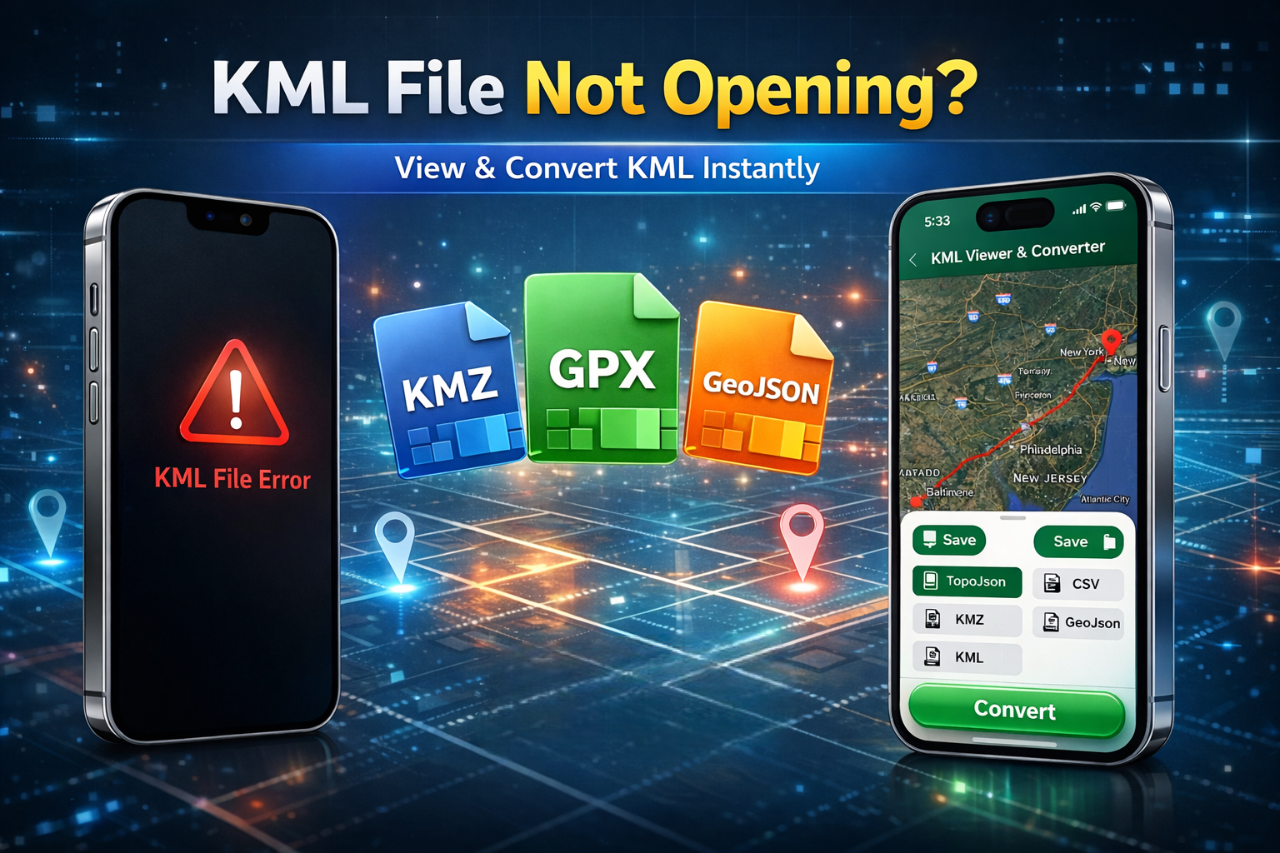
If you’ve ever tried opening a KML file and nothing happened, you’re not alone. Many users struggle with KML files not opening on their phones or computers. Whether you’re working with map data, GPS routes, or location files, this issue can be frustrating.
In this guide, you’ll learn why KML files don’t open, how to resolve the problem, and the best way to view and convert KML files easily in 2026.
What is a KML file?
KML (Keyhole Markup Language) is a file format used to display geographic data in mapping tools like Google Earth. It stores location data, routes, and map overlays.
People commonly use KML files for:
-
Travel routes
-
Real estate mapping
-
GIS (Geographic Information Systems)
Why Is Your KML File Not Opening?
If your KML file isn’t opening, here are the most common reasons:
-
Unsupported app on your device
-
Corrupted or incomplete file
-
Incorrect file format
-
Large file size causing crashes
-
Compatibility issues with your OS
Most default apps don’t support KML files, which is why you need a dedicated solution.
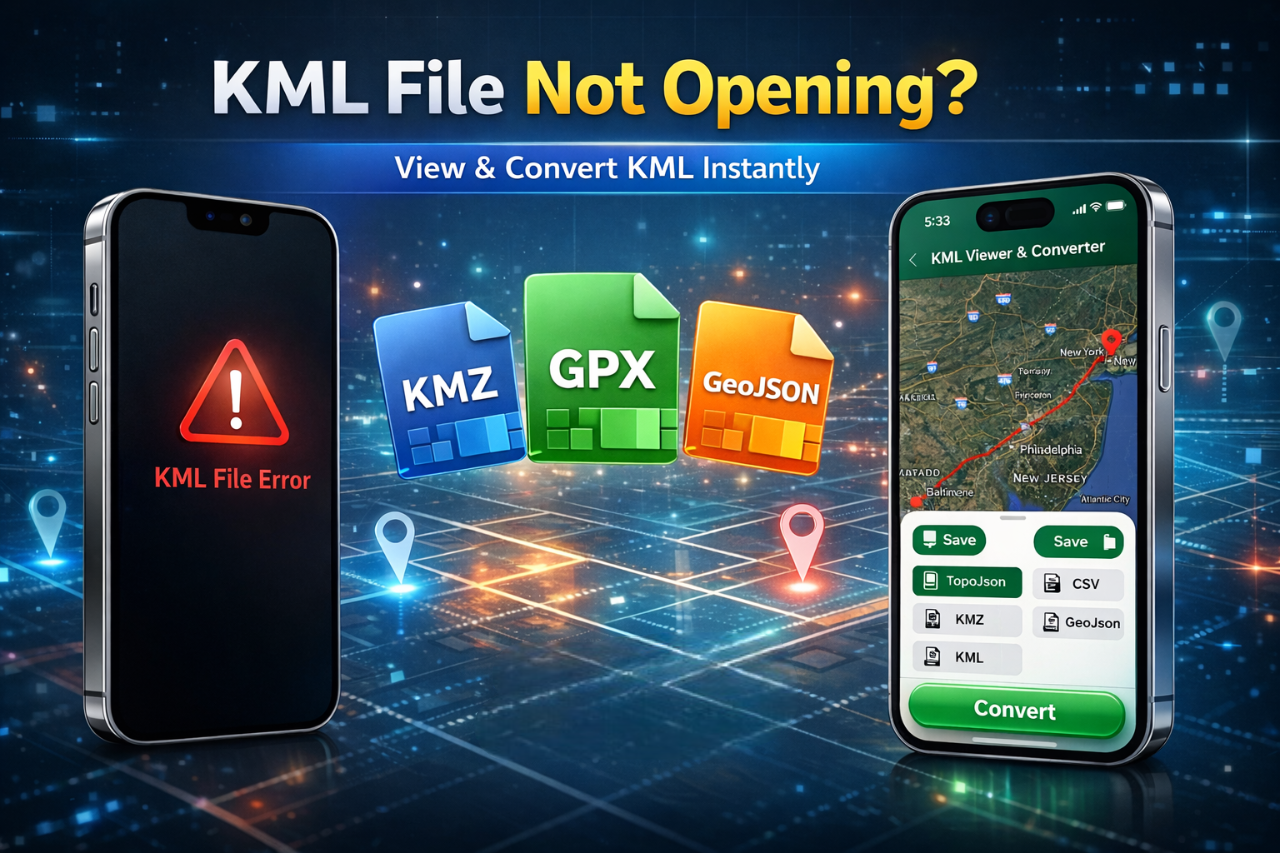
How to Fix “KML File Not Opening” (Step-by-Step)
Follow these simple steps to resolve the issue:
1. Check File Format
Please ensure that your file has the correct extension and has not been renamed incorrectly.
2. Try Opening in Google Earth
Some KML files work directly in Google Earth, but not all.
3. Use a Dedicated KML Viewer App (Best Solution)
The easiest and most reliable way is to use a KML Viewer & Converter app.
Best Solution: KML Viewer & Converter App
Instead of struggling with unsupported apps, use a dedicated tool designed for KML files.
Key Features:
-
Open KML files instantly
-
Convert KML to KMZ, GPX, GeoJSON
-
View map data in real-time
-
Works on Android & iOS
This is the fastest and easiest way to fix KML file issues in 2026.
Supported File Conversions
Here’s a quick overview of what you can do with a KML converter:
| Format | Description | Use Case |
|---|---|---|
| KML → KMZ | Compressed KML file | Faster sharing |
| KML → GPX | GPS format | Navigation apps |
| KML → GeoJSON | Web mapping format | Developers |
| KML → CSV | Spreadsheet format | Data analysis |
How to Convert KML Files on Mobile
Follow these steps:
-
Download a KML Viewer & Converter app
-
Import your KML file
-
Select the output format (KMZ, GPX, etc.)
-
Tap convert
-
Save or share your file
It can be done in seconds; no technical skills are needed.
Why Use a KML Viewer & Converter App?
Here’s why this is the best solution:
-
No technical knowledge required
-
Supports multiple file formats
-
Mobile-friendly and easy to use
-
Saves time and effort
1. Please help me understand why my KML file isn't opening.
KML files may not open due to unsupported apps, corrupted files, or format issues. Using a dedicated KML Viewer app solves this problem.
2. How do I open a KML file on my phone?
You can open a KML file using a KML Viewer & Converter app available on Android and iOS.
3. Can I convert KML to other formats?
Yes, you can convert KML files to KMZ, GPX, GeoJSON, and CSV using a converter app.
Final Thoughts
If your KML file is not opening, don’t waste time trying random apps. The best solution is to use a KML Viewer & Converter app that lets you open, view, and convert files instantly.
With the right tool, you can:
-
Fix file issues quickly
-
Convert formats easily
-
Work with map data without hassle
Start using a KML viewer & converter today and simplify your workflow.


Posted 1 month ago by